HAI/LEVITON HOME AUTOMATION SOFTWARE
Hi-Fi2 Software setup
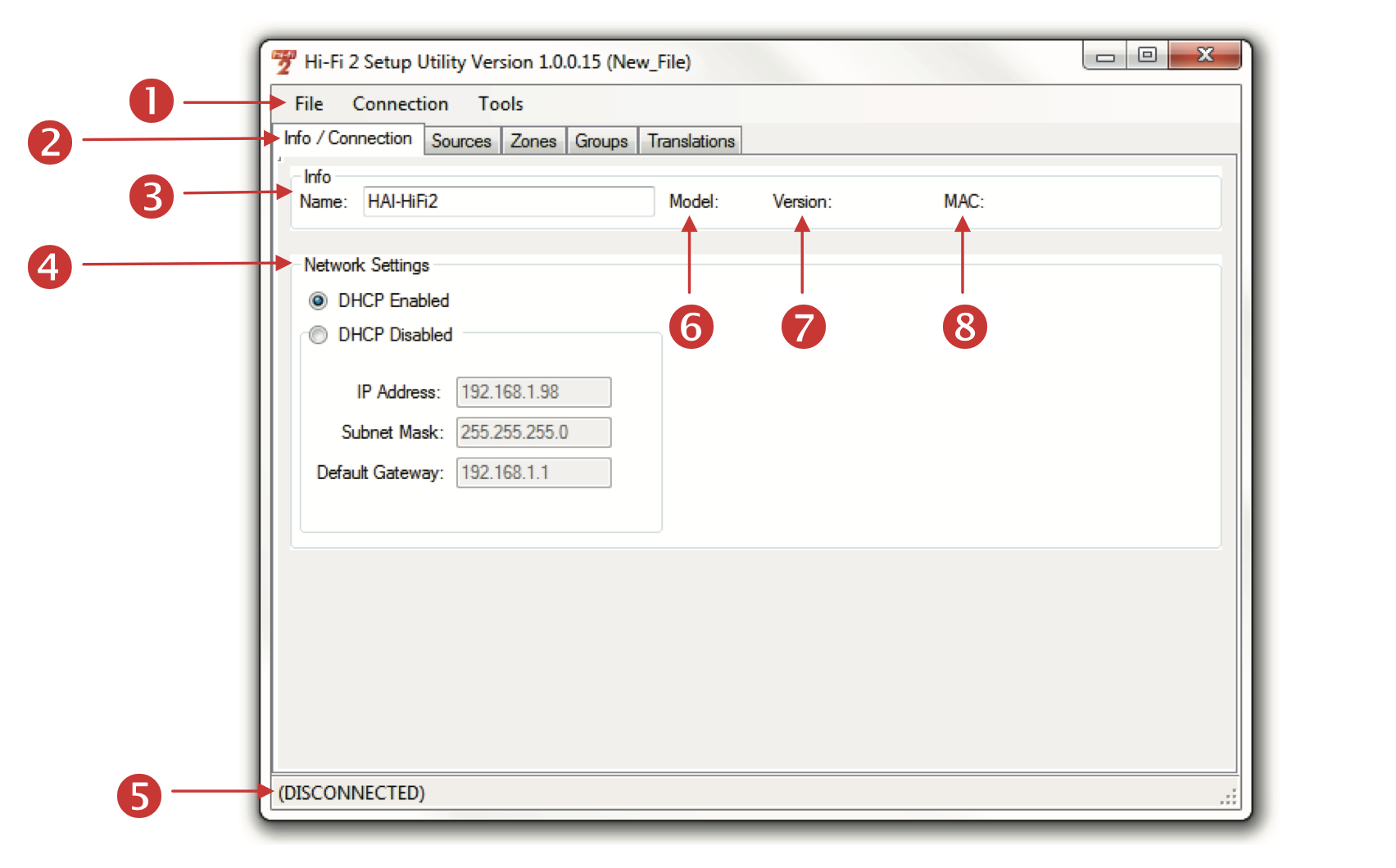
The HAI Hi-Fi2 Setup Utility application is used to configure the Hi-Fi2 system, configure the network settings, give custom names to sources, zones, and groups, configure groups, translate the words that show up on a VSC, issue commands, and to update firmware of the Hi-Fi2 system.
Installation
The HAI Hi-Fi2 Setup Utility is a free download below
1) Download the utility and save it on the computer where the application will be installed.
2) Double-click on the installation file (Setup_HAI_Hi-Fi_2_Setup.exe).
3) Follow the instructions on the screen.
After the application has been installed, you may run the application by double-clicking on the icon on
the Windows desktop.